Log Source Monitoring
Log Source Identifier
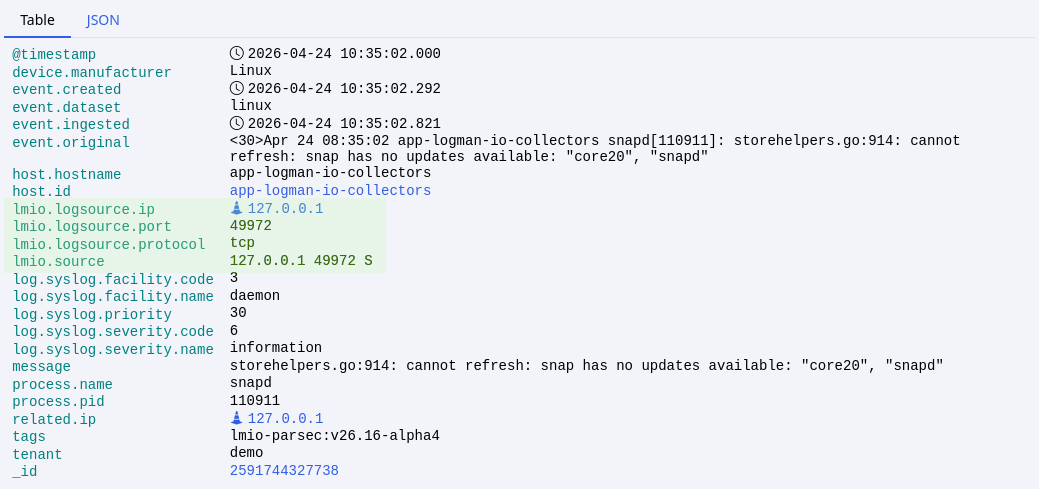
Each log source is identified by the lmio.source field, which is created by LogMan.io Collector during the log collection process.
This field typically contains the IP address of the log source, the source port, and the protocol used for log collection.
This identifier is visible in:
-
Archive Stream Explorer as
Source: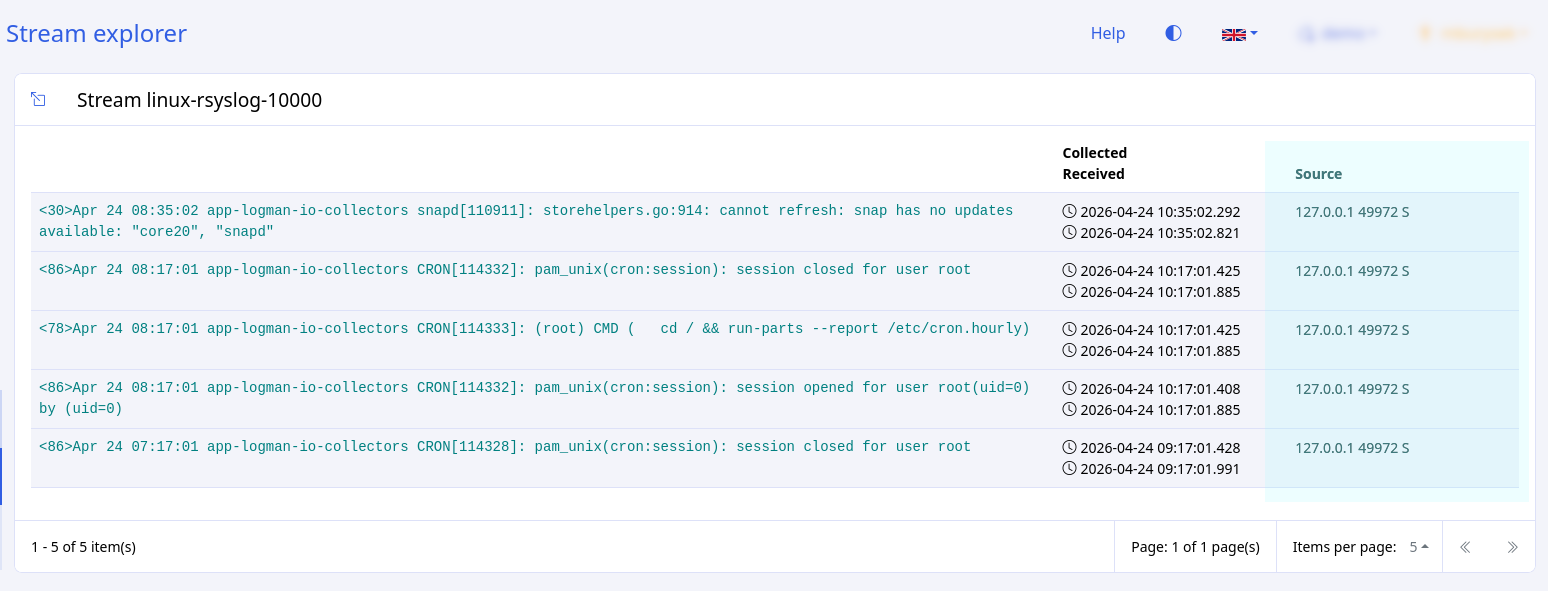
-
Discover as
lmio.source, from which the following fields are derived:lmio.logsource.ip- the IP address of the log sourcelmio.logsource.port- the source portlmio.logsource.protocol- the protocol used for log collectionhost.entity.display_name- equals to lmio.logsource.ip if present, otherwise uses lmio.source as a whole
Activity Monitoring
Log Source activity is monitored in the Activity event lane. Each LogMan.io Collector instance sends
Find all log soures connected to a specific Collector
-
Open Log Sources >> Collectors, enter the Collector detail view and find the Collector identity:
-
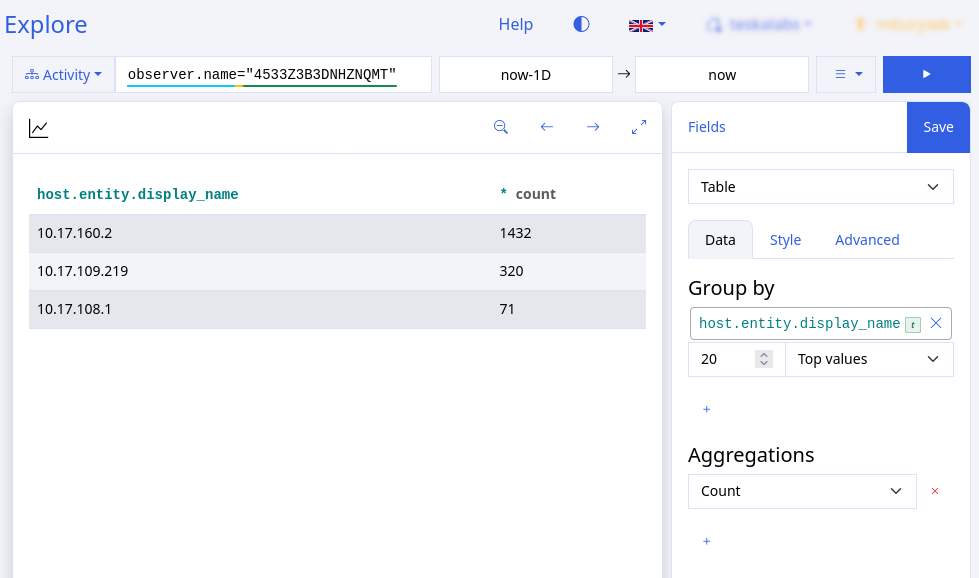
Open Explore, select Activity datasource, and use the following query to find all log sources connected to the Collector:
observer.name="<collector identity>" -
Select Fields Table, Group by
host.entity.display_name, and Aggregate bycountto see the table of log sources connected to the Collector in selected time range:
Find through which Collectors a specific log source is connected
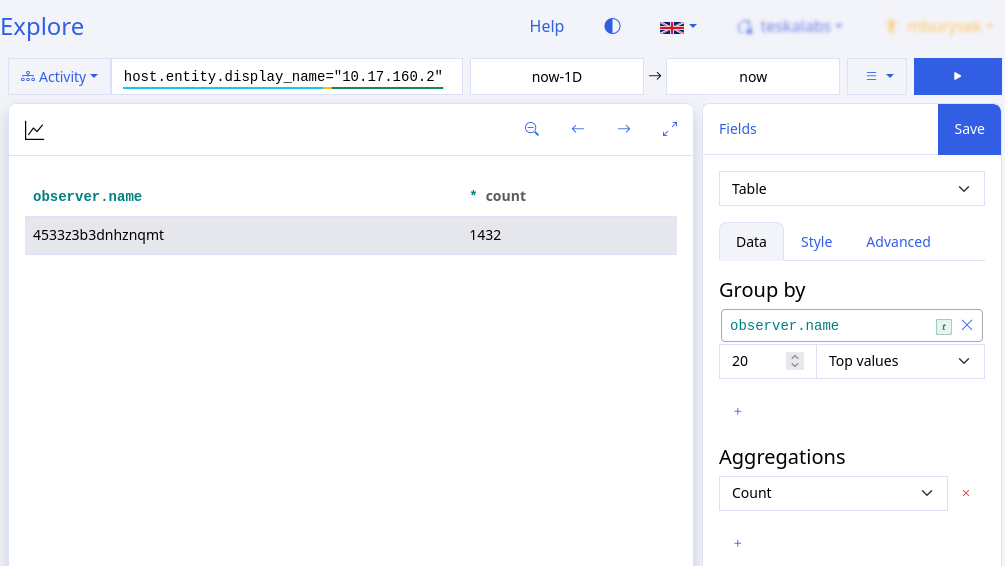
Open Explore, select Activity datasource, and use the following query to find all Collectors through which the log source is connected:
host.entity.display_name="<log source identifier>"
The table will show all Collectors through which the log source is connected in selected time range:
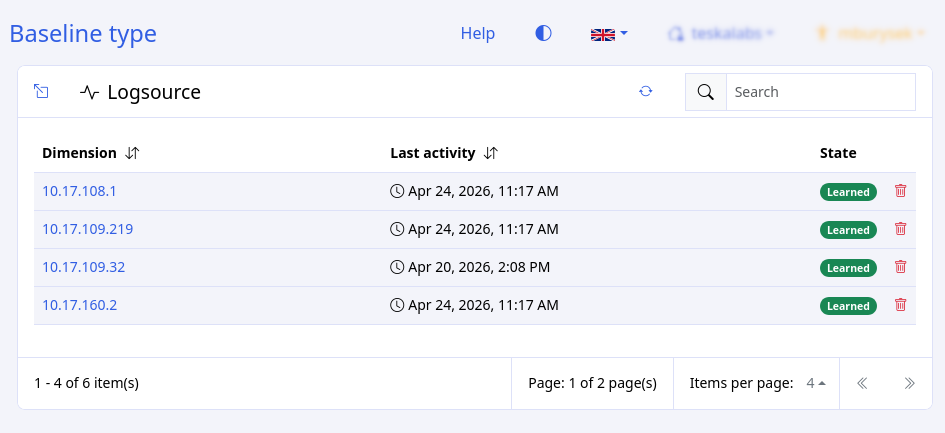
Baselines
The Logsource baseline monitors host.entity.display_name automatically and triggers alerts when a deviation from the learned behavior occurrs.