Suppression Rules
LogMan.io Alerts can silence, i.e. suppress, certain security alerts, for example duplicates or known false positives.
Suppression is performed based on a preconfigured set of conditions called a suppression rule.
If there is at least one active suppression rule stored in the Library, the functionality is enabled and each incoming signal is checked against the available suppression rules.
A signal is suppressed if the following conditions are true:
- it matches an active suppression rule
- it is not part of a larger group (see signal grouping)
Example
Advanced Mode Suppression Rule
---
define:
  name: Advanced Mode Suppression Rule
  description: Suppress signals with matching attributes
  type: alerts/suppressions
  mode: advanced
  format: splang
  author: <.....>
  created_at: '2026-04-07T10:53:49.494006Z'

schedule:
  expires_at: '2026-12-05T12:39:34.457844Z'

predicate:
  !AND
    - !NE
      - !ITEM EVENT host.hostname
      - test
    - !OR
      - !EQ
        - !ITEM EVENT event.action
        - Accept
      - !EQ
        - !ITEM EVENT event.action
        - Success
    - !IN
      what: !ITEM EVENT event.code
      where: ["45", "72", "85"]
define
This section contains the common definition, metadata, and identifiers for the suppression rule.
Items type, mode, format, author, created_at are added by LogMan.io Alerts.
name
A short human-readable title of the suppression rule.
description
A short human-readable explanation of the suppression rule's nature and goals.
schedule
This section contains time-related settings for a suppression rule.
expires_at
A timestamp after which the suppression rule is no longer active.
predicate
This section contains a filter for incoming signals in the form of an SP-Lang expression.
If the expression evaluates to true, the signal is ignored.
In the above example:
LogMan.io Alerts will ignore all signals where
host.hostnamedoes not equaltestandevent.actionequalsAcceptorSuccessandevent.codeis either"45","72", or"85"
Create a Suppression Rule
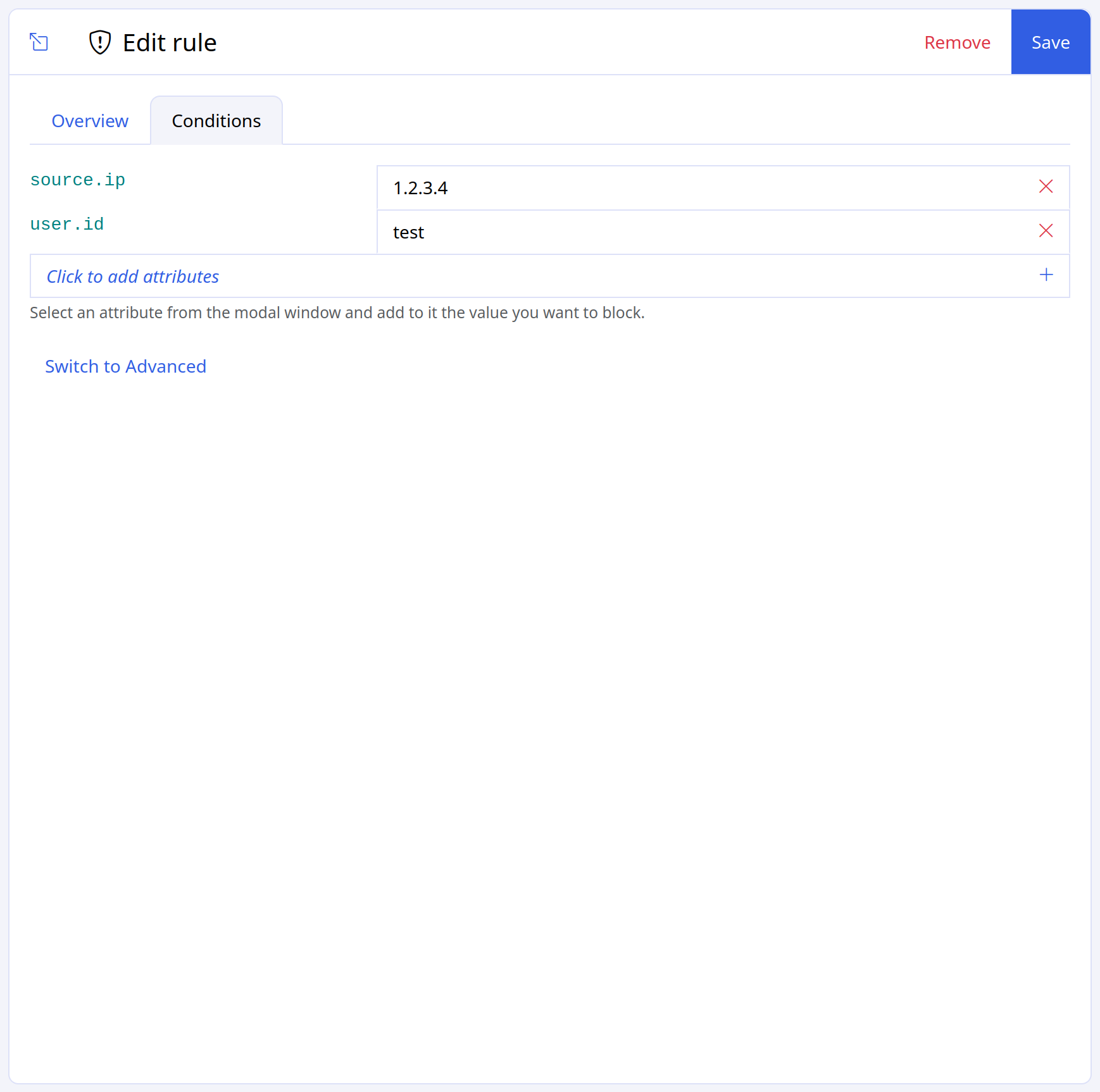
Suppression rules are created through a dedicated UI and stored in the Library.
There are two modes available.
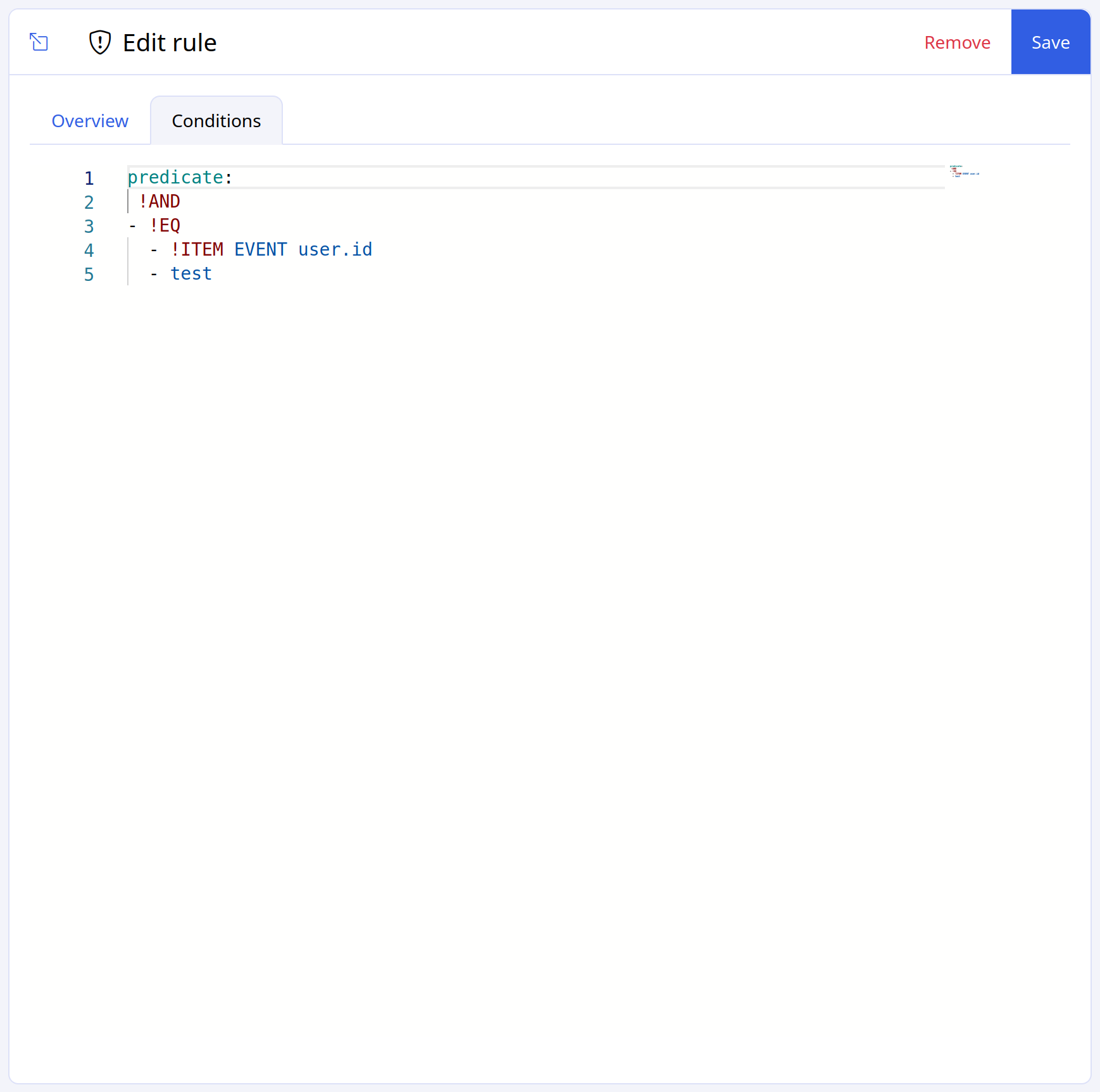
Advanced Mode
Rules are created as a set of conditions in SP-Lang.
If a rule is created in Advanced mode, it can be edited only in Advanced mode.
Basic Mode
Rules are created through a simple UI constructor which doesn't require SP-Lang.
Compared to Advanced mode, the set of available conditions is more limited.
If a rule is created in Basic mode, it can be edited in both Basic and Advanced modes.
Warning
If you switch to Advanced mode and save your changes, the Basic UI constructor is no longer available for that rule.